Visuals drive fundraising. Text-heavy appeals struggle to hold attention, leaving money on the table. Building an email blast, landing page, or physical mailer requires compelling art to stop the scroll. Nonprofit teams face tight margins and brutal deadlines. They can't commission custom pieces for every single touchpoint.
Design leads face a pressing question. Can an off-the-shelf library actually support a coherent brand system? Or are you doomed to look like a patchwork of generic stock art?
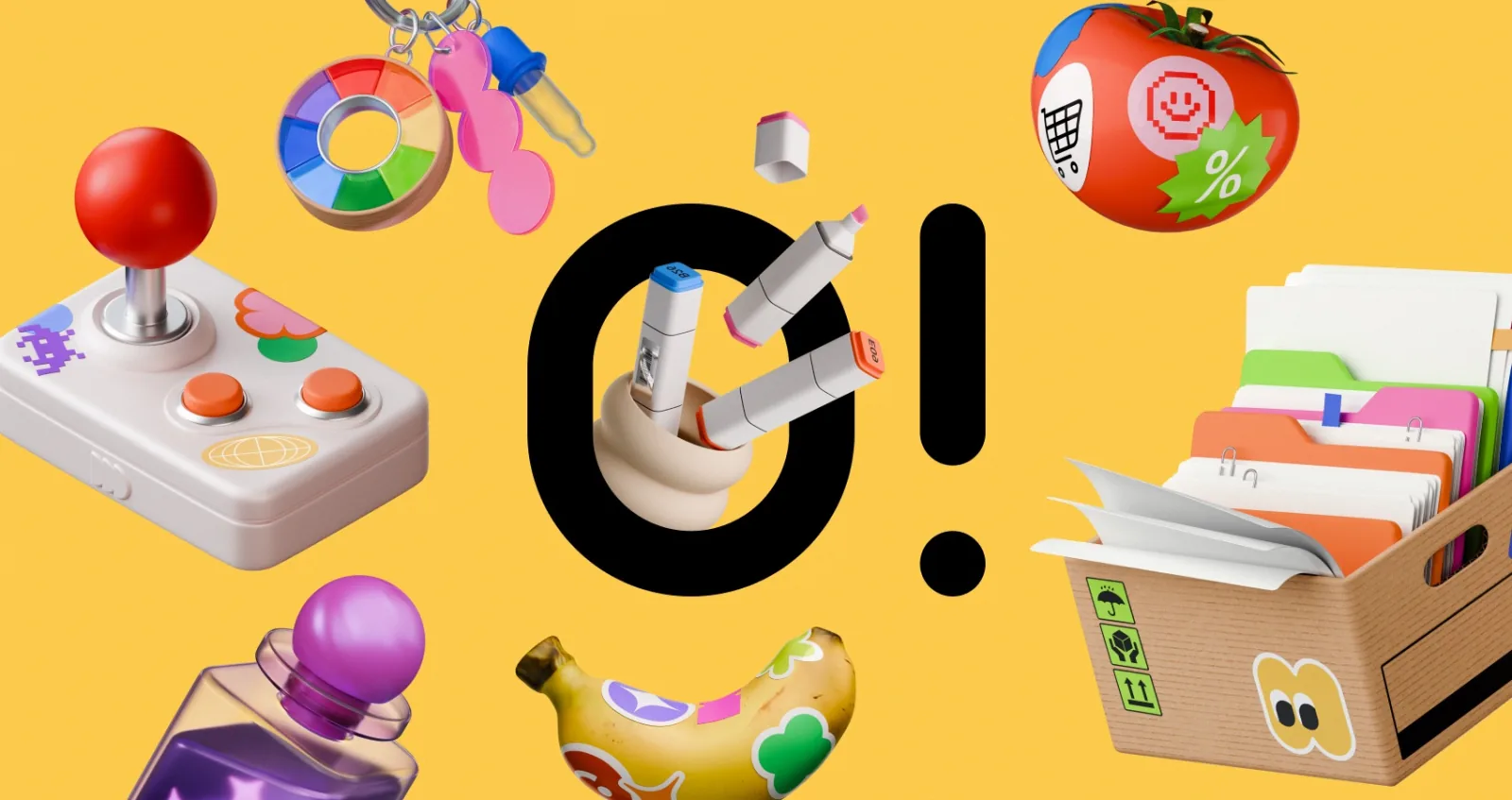
Working with Ouch, a vector collection by Icons8, proves pre-made assets work beautifully. Success doesn't depend on custom origins. Depth matters most. A reliable library needs enough art within a single aesthetic to map an entire user journey. Thousands of files exist here, categorized into 101 distinct styles. Options range from minimal monochrome to playful line graphics. Lock into one specific visual language. Then maintain it across every single channel.
Building a Year-End Fundraising Push
Late Wednesday afternoon brings panic. Small communications teams often sit in converted conference rooms finalizing massive matching campaigns. They desperately need a hero image for the main landing page. Donation checkout flows require matching graphics. Broken links need custom error states. Social media managers want a dozen graphics to sustain a month-long push. Hiring a freelance illustrator for this volume would drain the entire project budget.
Ouch fixes that problem fast. Teams filter the database for a colorfully bold vector style matching their energetic campaign tone. Finding specific elements takes seconds because platforms tag individual layers rather than just complete scenes. Search queries for community, growth, and teamwork yield exactly what they need.
Customization happens directly in the browser. Through the free Mega Creator online editor, a campaign lead recolors files to match exact organizational hex codes. Swapping out background elements takes a few clicks. Rearranging figures creates a perfect master hero image. Checkout flows and 404 pages pull from that exact same style category. User experiences remain visually identical from an initial Instagram tap down to the final donation confirmation page.
That consistency builds trust.
Designing a Sustainer Email Series
Retaining monthly donors takes more than constantly asking for cash. Consistent engagement keeps people invested over the long haul. An advocacy group recently overhauled their welcome sequence to educate recurring donors about field operations. They desperately needed to replace dull text blocks with striking visual breaks. Complex healthcare and education initiatives require clear, visual explanation.
Open the Pichon desktop app. It houses all Ouch library files alongside icons and transparent PNG photos. Design leads work directly beside their email layout canvas. Dragging and dropping assets from a selected sketchy style feels completely natural. Finding the right illustration for abstract concepts usually requires heavy modification. Searchable tags make custom combinations simple. Pulling a figure from the medical category and placing it next to nature elements happens instantly.
Export a Lottie JSON animation from the platform to increase engagement. Lightweight animated formats play smoothly inside supported email clients without triggering spam filters. Movement draws immediate attention to core program statistics. Sticking rigidly to that sketchy category makes the six-part sequence read perfectly. It feels just like a custom-commissioned editorial series.
Weighing Alternatives in the Vector Space
Evaluating pre-made visuals means looking at the broader landscape. Relying entirely on stock libraries means accepting certain compromises. But alternatives carry their own distinct friction points.
- unDraw: Open-source vector models got popular here. Rapid prototyping works beautifully. Aesthetic diversity simply doesn't exist. One highly recognizable style dominates the entire platform. Standing out from other organizations isn't easy.
- Freepik: Massive aggregators provide virtually endless options. Sheer volume makes building a cohesive user experience difficult. You won't easily find twenty pieces of art sharing identical styling. Curation turns into a massive time sink.
- Custom Illustration: Total brand control comes from hiring an agency or in-house artist. Unique identity remains the gold standard. Budget constraints usually kill that dream. Slow turnaround times completely ruin fast-moving nonprofit schedules reacting to real-world events.
Ouch sits perfectly between these extremes. Immediate stock availability meets strict style organization. Browsing feels like sorting through the output of one dedicated artist.
Where the Library Model Falls Short
Off-the-shelf solutions won't solve every single problem. Specific scenarios will frustrate your team and hinder execution.
Highly specialized fields struggle with accurate representation. Standard libraries boast 28,000 business illustrations and extensive technology tags. Healthcare and education sections only cover broader concepts. Finding scientifically accurate depictions of medical procedures won't happen. Specialized fieldwork equipment simply isn't there.
Physical campaigns introduce licensing friction. Standard Pro plans cover high-resolution SVG files perfectly. Removing link attribution requirements makes digital interfaces clean. Producing physical merchandise or print-on-demand donor rewards requires contacting the company. Separate licensing agreements handle those printed goods.
Zero-dollar budgets severely limit usability for print. Free tiers provide PNG formats at any size. Visible Icons8 link attribution remains mandatory. Slapping a URL credit onto a printed direct mail appeal ruins the vibe. Campaign posters lose their professional polish immediately. You get what you pay for.
Workflow Tactics for Library Assets
Professional illustration libraries require discipline. Treating a platform like a basic photo search engine guarantees messy campaigns. Disorganization happens quickly.
- Audit style depth first: Verify aesthetic depth before committing. Chosen styles must contain enough distinct objects to cover an entire funnel. Check everything from the homepage down to the error messages.
- Isolate elements: Stop downloading pre-made scenes as flat files. Bring layered vectors into Mega Creator immediately. Break them apart to build highly specific visuals.
- Plan in bursts: Unused downloads roll over to the next period on paid plans. Batch your campaign planning sessions. Accumulate credits during slow months. Deploy them heavily during major fundraising pushes.
- Mix formats carefully: Animated UI elements require matching assets. Verify static styles have equivalents available in GIF, Rive, or After Effects formats. Consistency matters across motion and static touchpoints.
Mastering these workflows changes how small teams operate. High-end design no longer requires massive agency budgets.