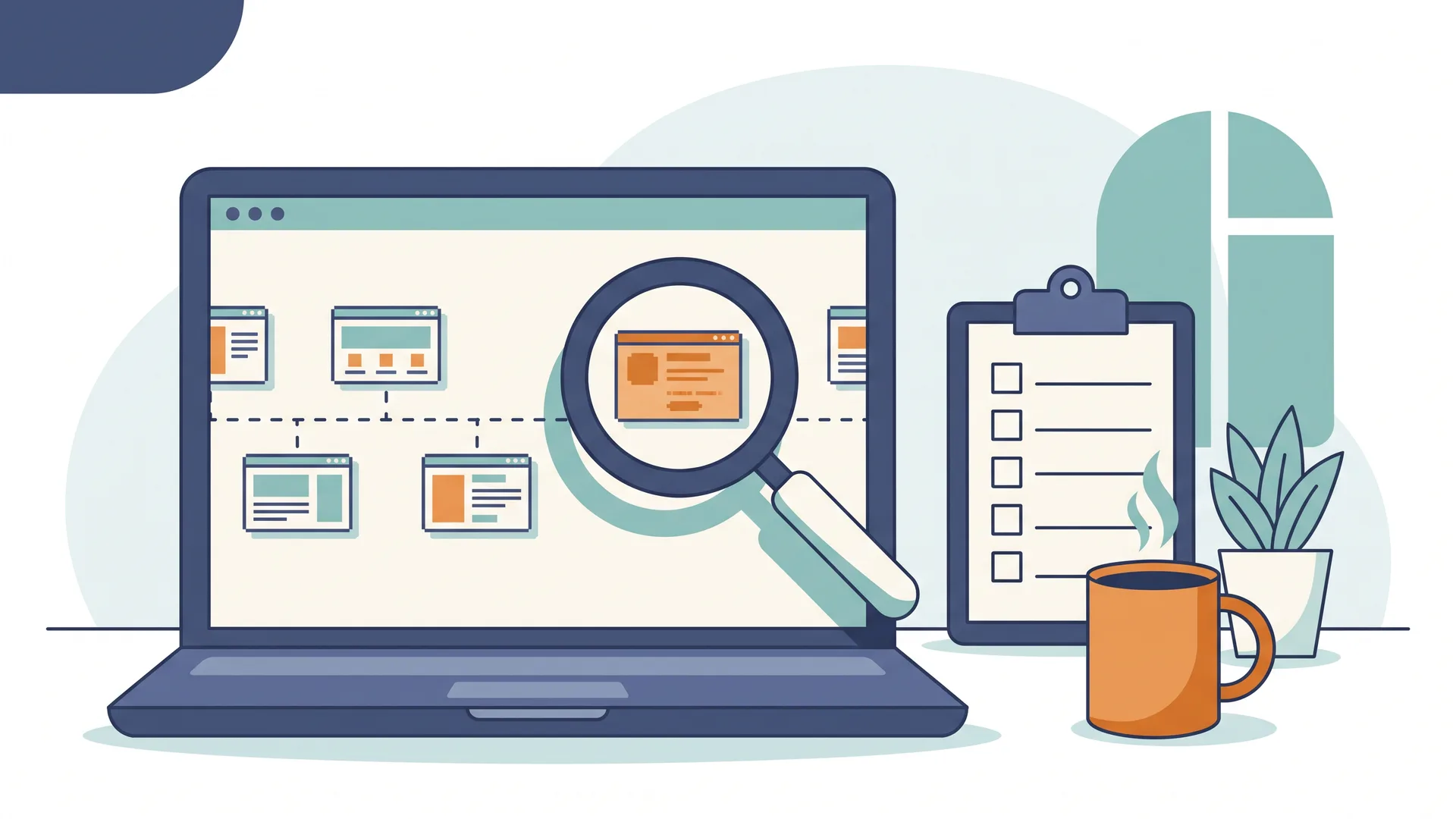
A homeowner emails you a photo for your testimonial page: a spotless kitchen after your technician's visit. The lighting is perfect, and you're ready to publish. But was it taken at that job, or was it lifted from somewhere else?
Pest control companies, private schools, and home-service businesses rely on images for ads, testimonials, and social posts. Image verification tools help you trace where a picture came from, spot signs of editing, and avoid publishing something misleading. This guide covers 7 image verification tools, what each can and can't prove, and a 5-step process for checking job photos, event photos, and other marketing images before they go live.
What Is Image Verification and Why Does It Matter for Small Businesses?
Image verification is the process of checking a picture's origin, authenticity, context, and possible manipulation. It helps you judge whether an image really shows what it claims to show.
For small businesses, that matters because visuals carry trust, and customer photos are powerful social proof that deserves a check. Verification helps you:
- Avoid misleading job photos and promotional images.
- Check customer-submitted pictures before using them as testimonials.
- Catch stolen, recycled, or misrepresented photographs.
- Protect customer trust and keep your marketing responsible.
Context counts too: an authentic photo can still mislead when it's paired with the wrong caption, date, or claim.
This applies whether you run a pest control company posting technician job photos, a private school sharing student and event photos (with parent permission), or a home-service business showing finished project photos.
The U.S. Federal Trade Commission's Consumer Reviews and Testimonials Rule, effective October 21, 2024, targets fake and false reviews and testimonials. Treat image verification as a practical precaution, not a legal requirement to authenticate every customer photo.
How Do Photo Verification Methods Work?
Photo verification methods examine an image's source, visual patterns, file information, and digital provenance for signs of manipulation or misleading context. No single method can prove every aspect of authenticity, because each one answers a different question.
- Reverse image search: finds matching photographs and other websites where the image appears.
- Image forensics: examines pixel patterns, copied regions, compression artifacts, and editing traces.
- AI-generated image detection: uses trained models to estimate whether an image was generated or altered by AI.
- Metadata inspection: reviews available capture dates, camera details, software history, and location data.
- Content provenance verification: checks digitally signed records of an image's creation and editing history.
Combining methods gives you stronger evidence than leaning on any one.
7 Image Verification Tools Worth Trying for Small Business Marketing
The best image verification tools for small business marketing cover different jobs: finding reuse, spotting edits, estimating AI generation, and reading provenance. Here is how the seven compare at a glance.
| Tool | Best for | What it can't tell you |
|---|---|---|
| Google Lens | Image origins and reuse | Who first published or owns the image |
| CopyChecker AI Reverse Image Search | Duplicate and similar images | Whether an image is AI-generated, or who owns it |
| TinEye | Older and modified versions | When the photo was actually taken |
| Forensically | Signs of editing | A definitive real-or-fake verdict |
| Hive AI Detector | Possible AI-generated images | Anything with certainty, since scores can be wrong |
| Content Credentials Verify | Digital provenance | Anything about images that carry no credentials |
| InVID-WeVerify | Social media images and video frames | The first recording or uploader |
1. Google Lens: Best for Checking Image Origins and Reuse
Google Lens finds visually matching images, related web pages, products, and landmarks, which makes it a quick first check for image reuse. Say a home-service company gets a polished project photo from a contractor partner and wants to know whether it already appears on other sites. Upload the image, review the matching pages, and open the "About this image" tab where available to see when Google may first have seen a similar version.
Limitation: A matching website isn't necessarily the original publisher or copyright owner, and "About this image" is only available in some regions.
2. CopyChecker AI Reverse Image Search: Best for Finding Duplicate and Similar Images
CopyChecker's free AI image search tool finds duplicate pictures, visually similar images, and possible source pages. A private school's marketing coordinator can use it to check whether a photo submitted for an admissions campaign has already appeared elsewhere online. Upload the photo or paste its URL, then review the duplicate and similar results for relevant matches.
Limitation: Reverse image search can't tell you whether an image was AI-generated or prove who owns it.
3. TinEye: Best for Tracking Older and Modified Photos
TinEye locates matching photographs, including resized, cropped, or edited versions. If a supposedly recent technician job photo also shows up on older webpages, that's a red flag worth investigating. Upload the picture, then sort results by Oldest, Biggest Image, or Most Changed to surface earlier appearances, higher-resolution versions, and heavily edited copies.
Limitation: The "oldest" result reflects when TinEye first crawled an image, not necessarily when the photo was taken or first published.
4. Forensically: Best for Investigating Image Manipulation
Forensically is a free set of browser-based image forensics tools. Clone detection highlights similar regions that can signal copy-and-paste edits, error level analysis compares an image with a recompressed copy so edited areas may stand out, and the metadata panel reads any available file details. A roofing, HVAC, or pest control company that spots something odd in a project photo from a subcontractor can open it here and inspect the suspicious regions.
Limitation: Anomalies can have innocent explanations, so treat results as clues rather than a verdict. Images downloaded from social media often have their metadata stripped.
5. Hive AI Detector: Best for Checking Possible AI-Generated Marketing Images
The Hive AI Detector is a free browser extension that estimates whether an image may be AI-generated. A home-service business that receives a suspiciously polished "customer photo" can right-click the image or upload it, then review the likelihood result. Detectors like this evaluate patterns learned from large sets of AI-generated and human-made content.
Limitation: False positives and false negatives are possible, so a score is a signal, not proof.
6. Content Credentials Verify: Best for Checking Digital Provenance
Content Credentials Verify shows digitally signed information about an image's origin and editing history, when that information exists. A private school that receives event photos from a volunteer photographer can upload one, or paste a public image URL, and review the recorded provenance before using it.
Limitation: Missing credentials don't prove an image is fake, and valid credentials don't prove the scene shown is truthful.
7. InVID-WeVerify: Best for Verifying Social Media Images and Video Frames
The InVID-WeVerify plugin is a verification toolkit for Chrome and Firefox, built for journalists and fact-checkers. It extracts video keyframes, runs reverse searches across several engines, reads metadata, and offers forensic filters. If your school or company wants to share a viral event video, extract representative frames, reverse-search them, and compare where each has appeared before.
Limitation: Finding earlier footage doesn't automatically reveal the first recording or uploader, and some advanced features are reserved for journalists, fact-checkers, and researchers.
How to Verify and Authenticate Digital Images Before Publishing
To verify a digital image, check its original source, search for earlier appearances, inspect available metadata, and look for manipulation. For business-critical content, also confirm the creator's identity and get permission before publishing.
Use this five-step workflow:
- Obtain the original image. Ask the photographer, customer, or technician for the original, highest-quality file.
- Run a reverse image search. Use Google Lens, CopyChecker, or TinEye to find earlier appearances and possible source websites.
- Check for manipulation. Inspect suspicious areas forensically, and run an AI image detector if synthetic content is a concern.
- Inspect metadata and provenance. Look for capture details, editing records, and Content Credentials. Remember that metadata can be missing or altered.
- Verify context, ownership, and permission. Contact the creator when needed, confirm what the photo actually shows, and document permission to use it, including parent permission for student photos.
Keep a simple checklist like this for customer testimonials, technician job photos, student and event photos, paid ads, and important social posts. Once an image passes your checks, give it descriptive alt text before it goes live.
Don't rely on a single detector score. A NeurIPS 2025 benchmark tested 11 AI-generated image detectors and found significant performance drops on real-world data compared with controlled settings.
Reverse search also catches recycled photos. In one AFP fact-check, a Red Beach photo shared amid Santorini earthquake reports had been online since at least 2013, and another viral image traced back to a 2007 Anak Krakatau photo in the Associated Press database.
Photo Verification vs. Authentication vs. Certification at Source
These three terms are related but not interchangeable. Verification is the broad investigation, while authentication and certification are narrower pieces of it.
What Is Photo Authentication?
Photo authentication is the process of evaluating whether an image is genuine and whether reliable evidence supports its identity and integrity. It draws on original files, creator confirmation, metadata, and forensic examination.
What Is Photo Certification at Source?
Photo certification at source means recording or signing information about an image as it is created or captured, using a supported provenance system. The C2PA standard and its Content Credentials can record an image's creation and editing history.
What Is the Difference Between Photo Verification and Photo Certification?
Verification is the wider investigative process, and certification supplies specific recorded evidence that can support it. Even so, a valid digital signature confirms the integrity of the provenance record, not that the depicted event or an accompanying marketing claim is true.
Frequently Asked Questions
How Can You Verify if a Photo Is Real?
Combine source checks, contextual evidence, forensic analysis, and provenance data, because no single test is conclusive. Reverse search shows earlier appearances, forensics flags possible edits, and Content Credentials record origin when present.
How Do AI-Based Detection Tools Identify Generated Images?
They analyze learned statistical patterns and visual artifacts that are common in synthetic images. They can be wrong, especially on compressed or edited real-world images.
What's the Difference Between an AI Image Checker and a Regular Image Detector?
An AI image checker estimates whether content was synthesized. Conventional image analysis tools instead identify objects, find duplicates, or investigate editing traces.
Can an Image Still Be Authentic Without Metadata?
Yes. Metadata is useful supporting evidence, not a requirement, and it is often stripped from images shared on social media. Original files, credible sources, and corroborating evidence can still support authenticity.
Conclusion
Image verification should be a routine part of responsible marketing for pest control companies, private schools, and home-service businesses. Reverse image search shows where a photo has been, forensics flags possible edits, AI detection estimates synthetic origins, and provenance checks add recorded history. Together they beat any single test.
Before using a photograph to earn customer trust, make sure the photograph itself deserves that trust.