Picture a homeowner at 9 p.m. who has just spotted ants marching across the kitchen counter. She grabs her phone, searches for a local pest control company, and taps the first result. She wants three things: confirmation that you serve her area, a rough idea of price, and a way to book a visit. If she cannot find all three in about ten seconds, she backs out and calls the next company on the list.
Now picture a parent in a similar spot. He is comparing three private schools after the kids go to bed, and he has one question in mind: “Can I schedule a tour without sending an email and waiting two days?” A clunky inquiry form is enough to push him toward the school that makes it easy.
Both scenarios come down to the same thing. Your website is not a brochure. It is a working tool, and every button, form field, and headline either moves someone closer to contacting you or nudges them away. The good news is that you no longer have to guess which version works best, because you can now prototype pages before anyone writes a line of code.
The Real Cost of Guessing
Most small businesses redesign their sites the same way. Someone sketches an idea, a developer builds it, the page goes live, and everyone hopes the phone rings more often. If the new page underperforms, the team has already spent the budget and has to pay again to fix it. That is an expensive way to learn that a form had too many fields.
Friction is the enemy of every service business site. Google’s 2016 research on mobile behavior found that 53% of visits are likely to be abandoned if a mobile site takes longer than three seconds to load. Speed is only one kind of friction, though. Confusing navigation, buried phone numbers, and long forms all create the same moment of hesitation, and that hesitation costs you booked jobs and enrolled students.
Home service companies feel this more than most. Your customers often search in a hurry, on a phone, and with a problem that will not wait. Private schools face a slower decision cycle, but families still judge your whole institution by how smooth the first digital interaction feels.
What a Prototype Actually Is (and Is Not)
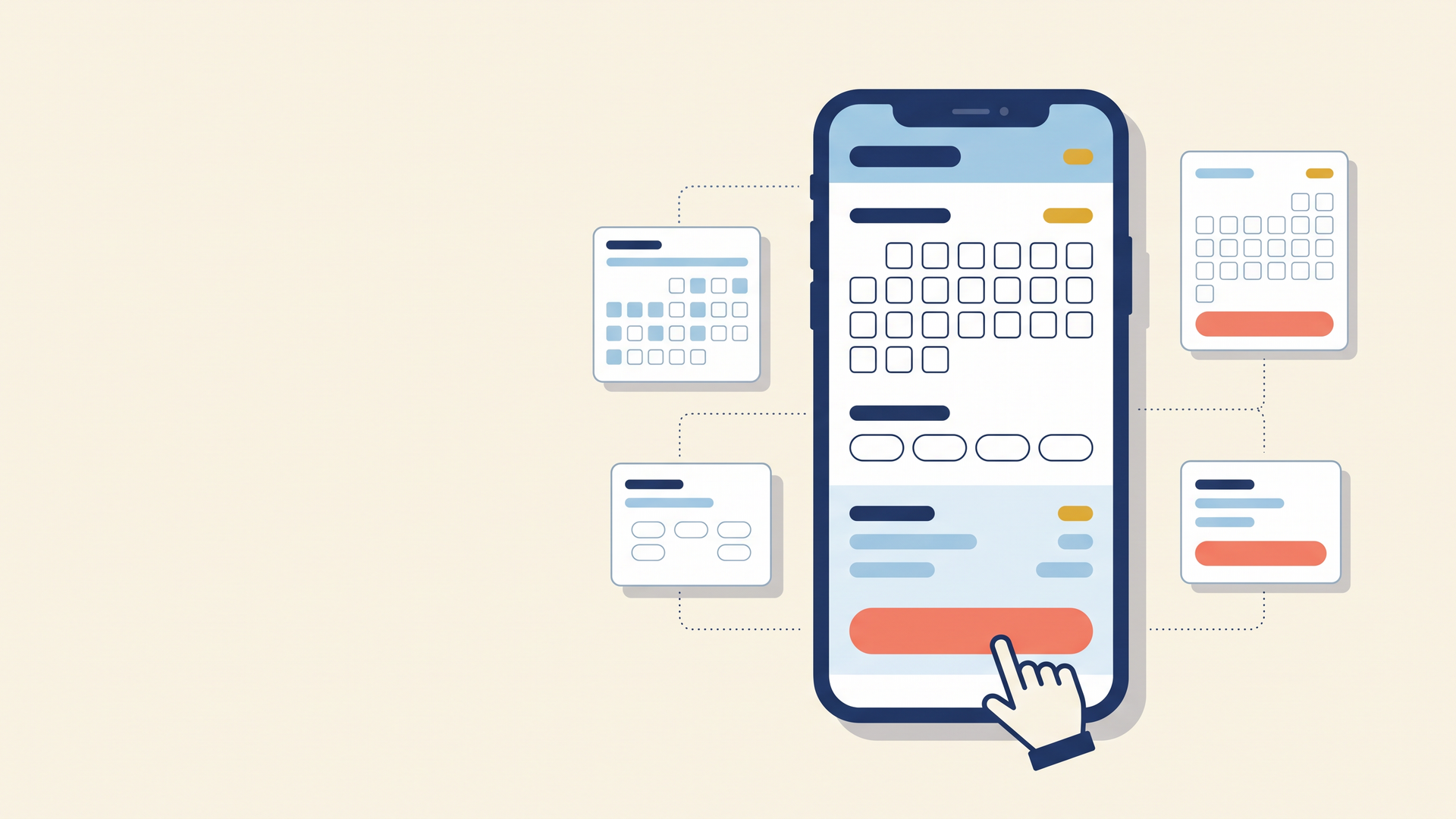
A prototype is an interactive mockup of a page or flow. Visitors can click through it and see how it behaves, but it is not connected to your live site. Think of it as a dress rehearsal for your website.
Because it is not the real thing, a prototype is cheap to change. If your test audience stumbles on the booking button, you move it and test again in an afternoon. Compare that with changing a live page, which often means waiting on a developer’s schedule and paying for the revision.
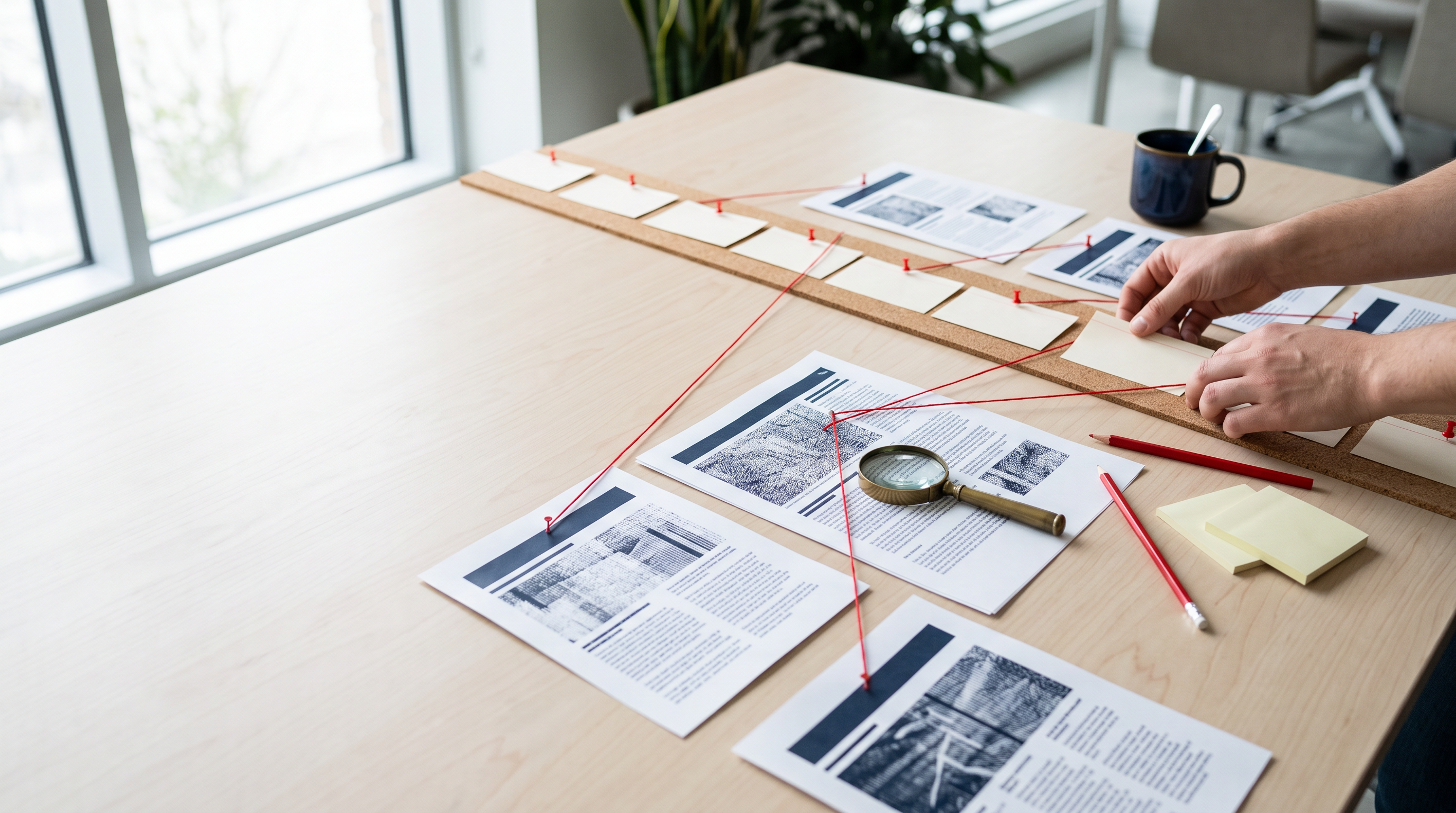
Prototypes also give your team something concrete to react to. Saying “make the page cleaner” leads to a vague debate, while clicking through a working screen leads to specific feedback. Owners, office managers, admissions directors, and technicians can all point at the exact spot that confuses them.
Three Pages Worth Prototyping First
You do not need to prototype your whole site. Start with the pages where a small improvement turns into real revenue or enrollment.
- The quote or estimate request page (home services). Test how many fields you really need, where the phone number sits, and whether a photo upload option helps or hurts completion.
- The emergency or same-day booking flow (pest control). Test whether a “Get help today” button beats a general “Contact us” link, and how clearly you explain service areas and response times.
- The tour and inquiry page (private schools). Test whether a calendar-style tour scheduler feels easier to parents than a standard form, and where to place tuition information, if at all.
Each of these pages has one job. When you prototype them, you can judge every element by a single question: does it help the visitor take the next step?
How AI Changed Who Can Build a Prototype
Not long ago, building a realistic prototype meant hiring a designer who knew specialized software. That kept the practice out of reach for many small businesses. Today, AI has changed the equation, and a marketing manager can often build a working mockup without a design background. A growing set of tools, including an AI-powered product design platform, lets you describe a screen in plain language and get an interactive version back in minutes.
You might type, “A mobile booking page for a pest control company with a service area checker, three appointment time slots, and a click-to-call button.” The tool generates a clickable layout that you can adjust and share with teammates for feedback. Some platforms also let you import your brand’s colors, fonts, and components so the prototype looks like your real site instead of a generic template.
This does not replace a skilled designer or developer. You still need people to turn the winning idea into a fast, accessible, production-ready page. What AI does is move the cheap, fast experimentation up front, so your designer’s time goes toward polishing the best option instead of exploring five mediocre ones.
A Simple Five-Step Prototype Test
You do not need a research lab to learn from a prototype. Here is a lightweight process any small team can follow in a single week.
- Pick one goal. Choose a single action, such as “submit a quote request” or “schedule a campus tour.”
- Build two versions. Change one meaningful thing, such as the form length, the headline, or the placement of the call-to-action button.
- Recruit five to eight testers. Use customers, parents, neighbors, or staff members who were not involved in the design.
- Give them a task. Say, “You have ants in your kitchen and want someone out this week. Show me how you would book that,” then watch quietly without coaching.
- Note where they hesitate. Pauses, backtracking, and questions like “Where do I click?” tell you more than a survey will.
After five or so sessions, patterns often emerge. Fix what confused people, retest if you can, and only then hand the winning version to your developer.
Common Mistakes to Avoid
Prototyping is simple, but a few habits can undermine it. Watch for these traps as you start.
- Testing with people who already know your business. Employees will forgive confusing labels because they know what you mean. Fresh eyes expose the real problems.
- Polishing before testing. A prototype should be good enough to test, not perfect. Spending hours on small visual details defeats the purpose of moving quickly.
- Changing everything at once. If you redesign the headline, form, and button together, you will not know which change made the difference.
- Ignoring mobile. Most of your emergency and after-hours visitors are on phones. Always test the small-screen version first.
- Skipping the follow-through. A great prototype that never reaches your live site helps no one. Set a date to build the winner.
Turning Prototype Findings Into Better Marketing
The lessons from prototype testing reach beyond your website. If testers consistently ignore a certain headline, the same wording probably underperforms in your Google Business Profile description and paid ads. If they love a particular way of explaining your service area, borrow it for your email campaigns and your social posts.
Prototype feedback also gives you better material for your sales conversations. You will learn which questions visitors ask before they trust you, and you can answer those questions on the page before they ever need to call. That shortens the path from curiosity to booked appointment.
Conclusion
A website redesign does not have to be a leap of faith. When you prototype first, you replace opinions with observations, and you catch confusing forms, buried buttons, and weak headlines while they are still cheap to fix. Home service companies, pest control teams, and private schools all share the same challenge: busy people make quick decisions on small screens, and your pages have only seconds to earn their trust.
Start small this month. Pick one high-value page, build two versions, and watch five people try to use them. You will probably spot at least one fix that pays for itself, and you will go into your next redesign with evidence instead of guesses.